CapCut
CapCut for PC with all basic editing tools including resizing, trimming, and cutting.
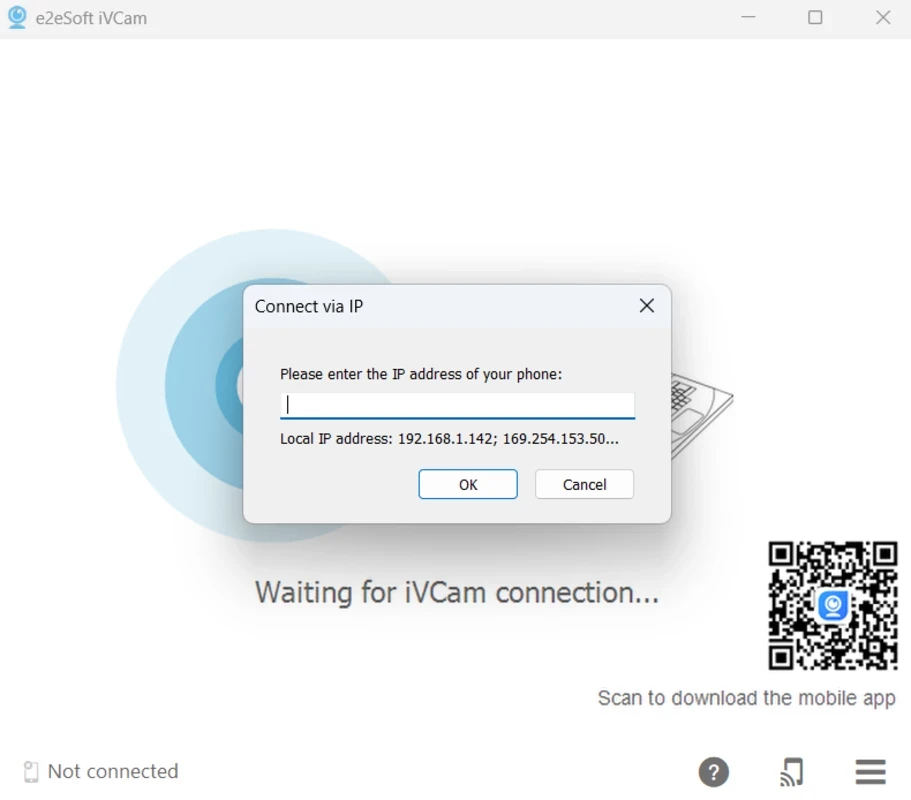
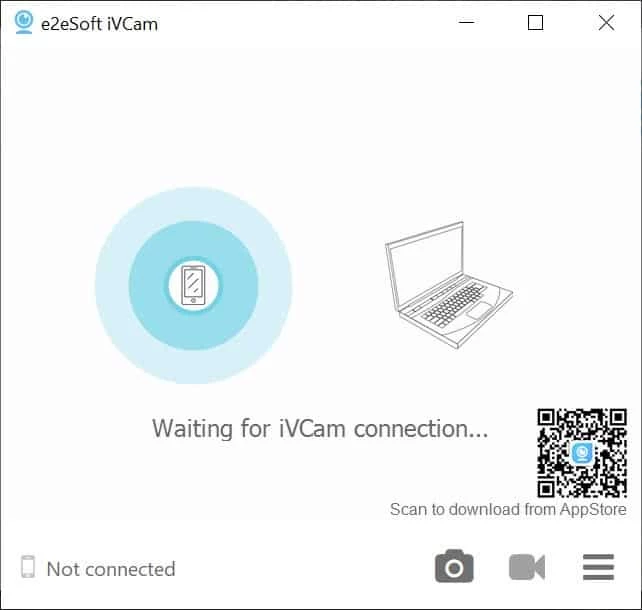
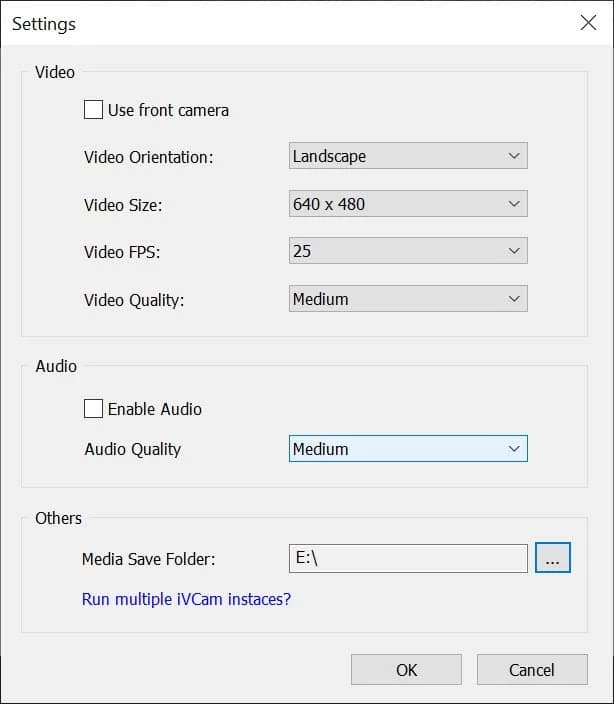
iVCam offers built-in or clip-on options for your device and can be used for multiple purposes, such as baby monitors, spy-cam, security cameras, pet-cam, and so on. It changes the mobile phone into a webcam for your PC. It is cross-platform while offering compatibility with a wide range of digital devices such as desktop PC, Android, laptops, tablets, iOS devices, and Microsoft mobile phones. It can be connected to a PC using a USB flash or Wi-Fi connection.
The installation process is very simple. It is necessary that both mobile phones and PC both devices should be on the same network. Auto-connecting of both devices leads you to the basic controls for the camera, such as taking videos or photos using your phone. In the top right corner, buttons are available for instant access to several features. Here, the options for changing the orientation of a video, frame rate, size, and audio/video quality are available. You can video from the video folder of your device. It offers multiple functions such as;
It is capable of connecting multiple phones to one PC. The multiple formats like 360p, 480p, 540p, 720p, 1080p, and 4k are compatible with several phones and tablets, along with the capability of using a phone microphone instead of PC microphones. Unlike other plugged-in webcams that offer a one-way camera view, the app offers front as well as rear camera prospective for their mobiles in real-time. Different modes, such as landscape, night, and portrait, are available to make the iVCam a perfect option for security or spy cameras. It takes the HD resolution of mobile devices to enhance the visual experience and maintain the connection between devices.
The free version of the app comes with HD resolution and a watermark. You can select the default web camera or select another option easily. iVCam enhances the user experience while offering the option to change video quality. For low or slow internet connections, you can select 360 resolutions; on the contrary, select HD resolution. You can select the video from both your phone and PC. The free version is equipped with watermarks and ads that can be avoided by purchasing the pro version. The auto-connection gives you fast access to enjoy a unique and smooth experience.
The app offers two types of connections between your phone and PC;
You connect both devices to the same Wi-Fi connection and get your required outputs easily. If you connect your phone to a PC using a USB flash, it will detect it instantly and create the fastest connection.
The auto connection between devices offers high-quality, real-time video at the fastest speed. It works in the background without affecting your other apps. Simultaneously, connecting multiple devices to one PC is also possible. Support for multiple file formats such as 4k, 1080p, 720p, 480p, and 360p, and offers advanced settings such as AE/AF, ISO, EC, WB, and Zooming. A perfect substitute for USB webcams and integrated webcams.
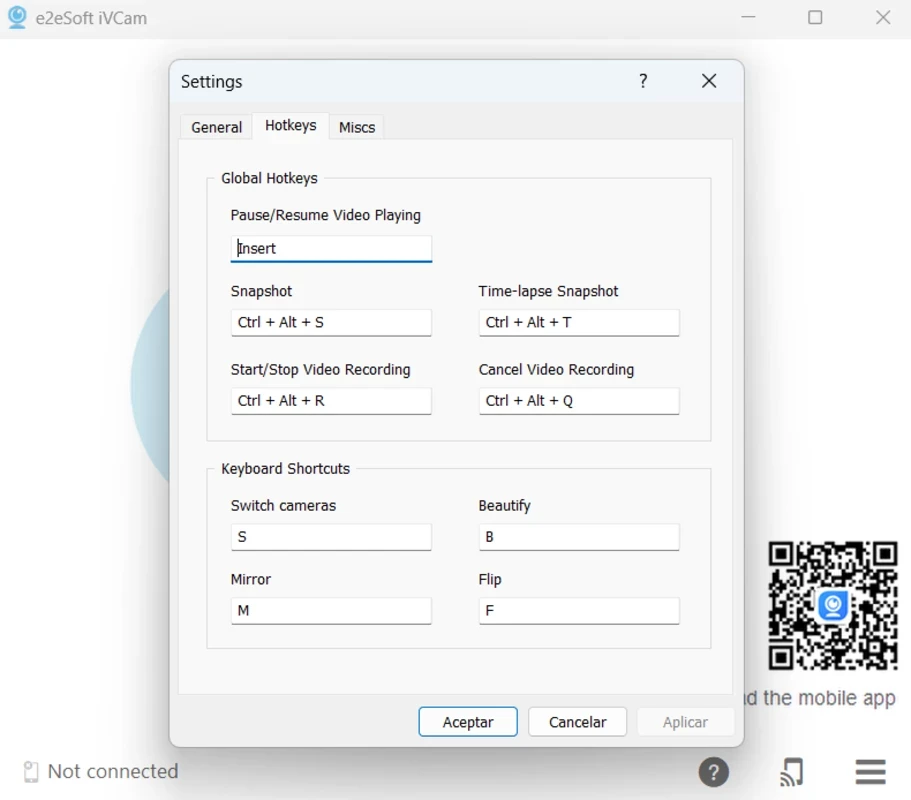
Multiple features are waiting for you to create high-quality content. It enables you to beautify your face and flip it even using the back camera, manual as well as auto focusing, and so on. Configure video frame rate, quality, and encoder. You can also change the background using blur, Bokeh, mosaic, Green Screen, and a lot of effects. Preview your created content and record it as a video file for later use.
With some configuration, you can use your phone for Skype video and Skype audio.
With some changes in the Zoom settings, you can attend Zoom Meetings without having a webcam
With the addition of ‘Video Capture Device’ to your app, and next select ‘e2esoft iVCam’, you and enjoy your smartphone as OBS Studio.
Pros
Cons

CapCut for PC with all basic editing tools including resizing, trimming, and cutting.

Get optimized converted multimedia files with Format Factory

Green Convert is a free video converter to offers a quick conversion and editing videos with support for limitless formats

Free Cam, capture, record, and edit videos to upload directly on YouTube

VLC supports multiple audio/video formats to play your multimedia.

Streamlabs OBS is a offer you online and offline broadcasting.